
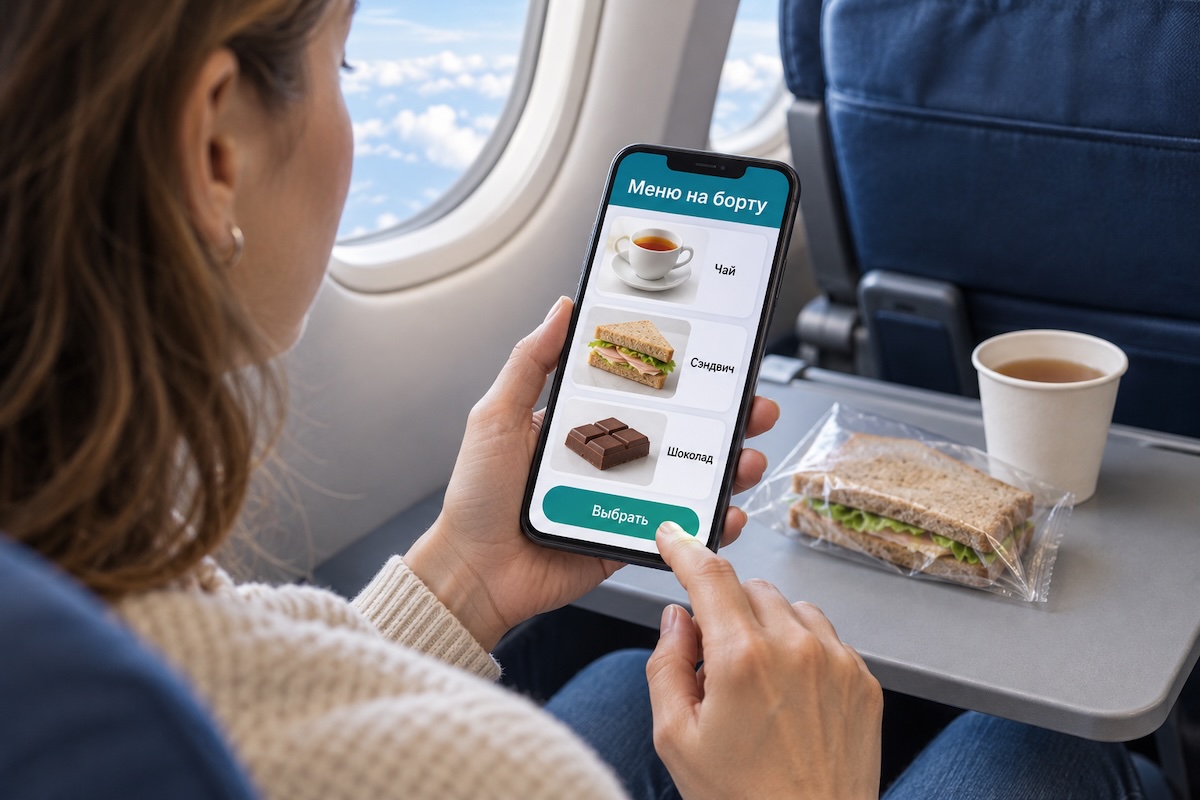
During a flight, you don't always want to order food exactly when the trolley passes through the cabin. Some people are still watching a movie, some have just woken up, and some need time to study the menu. An onboard portal can make choosing more convenient: the passenger opens the available offers on their device and places an order when ready.
This scenario can be implemented in Wi-Fly, taking into account the service rules of a specific airline. The carrier determines the assortment, order acceptance times, and fulfillment procedures. For the passenger, it all starts with the food section: simply connect to the onboard network, open the portal, and see what's on offer for the current flight.
The electronic menu makes it easy to view photos, read descriptions, and compare options. For a drink, you can specify the volume; for a dish — the ingredients and portion size; for a set — everything included. The cost should be visible before placing the order. If the carrier provides information about ingredients and allergens, it's also useful to place it next to the description so that the passenger can consider their restrictions when choosing.
Let's say a traveler has finished watching a movie and decides to order tea with a small snack. They open the menu, select items, check the quantity and the total amount. Before sending, they confirm their seat number so the crew knows where to deliver the order. The payment method depends on the service organization: it needs to be explained at the time of ordering.
After sending, it's important for the passenger to know what happened to the order. A message confirming receipt of the request helps ensure it reached the crew. If fulfillment statuses are provided, they can indicate whether the order has been accepted for processing or if clarification is needed. If a selected item is out of stock, the service can offer a substitute and allow the passenger to agree to it before purchase.
Ordering through the portal remains part of regular onboard service. The ability to choose food from a smartphone does not mean immediate delivery at any moment: the crew considers the flight stage and the cabin environment. If service is temporarily suspended, this should be shown in the menu even before sending the request. This way, the passenger understands in advance whether the service is currently available.
This format can be especially useful when ordering for multiple people. You can calmly discuss choices with your companion, view the contents of sets, and check all items before confirming. If necessary, there is still the option to ask a flight attendant for clarification.
For the passenger, the convenience lies in being able to choose the moment, study the menu, and place an order without rushing. Wi-Fly can combine these actions on one screen — from familiarizing oneself with the assortment to confirming the request, while maintaining the crew's usual involvement in the service.